
Warranty cover
Warranty cover on packs and panels when commissioned to card.
Warranty cover in brief
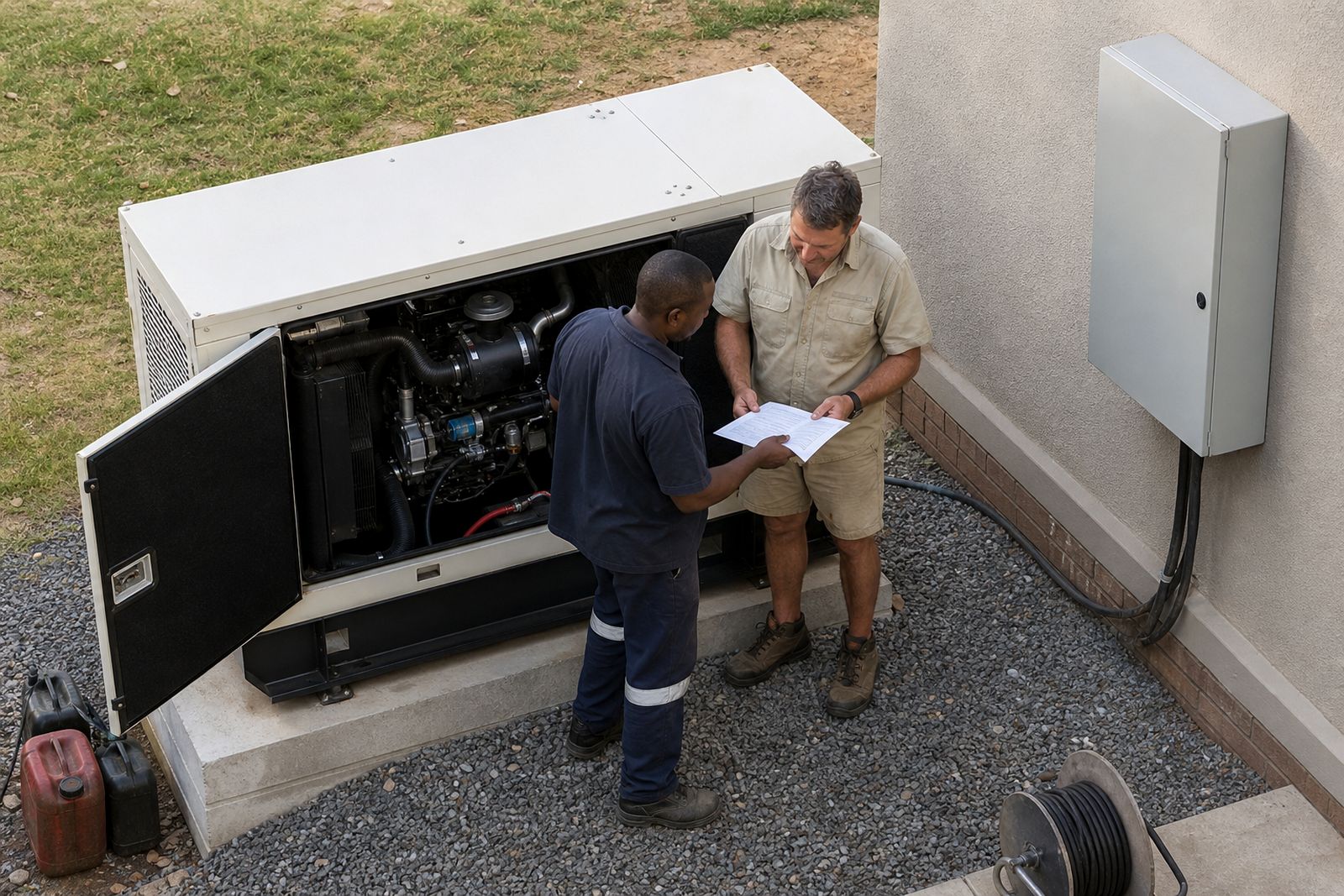
Warranty cover on packs and panels when commissioned to card. Email support with the genset and site details you have already named.
For warranty records, use our contact form with the unit serial number, commissioning card details, and site town. You can also check the matching Gensets, Panels, and Runtime pages to confirm model, control gear, and operating hours noted on your installation.
Warranty cover depends on correct commissioning and service checks being recorded against the set. Include the kVA rating, controller alarms shown, hour meter reading, and the date filters or coolant were last changed. Sites near the coast or in dusty areas should note those conditions when reporting a claim.
- List model, serial, and controller fault
- Add commissioning card or panel photo
- State city, site use, and load
Warranty on packs and panels applies when commissioning has been completed to card and the installation details match the equipment supplied. Claims are checked against service history, operating hours, overload events, and signs of water, dust, or fuel contamination. For sets installed in Johannesburg, Durban, and Cape Town, keep the site address and technician notes with the unit file.
What warranty checks cover
Warranty support focuses on the pack or panel and the records linked to it. To help us check the right unit, please use the contact form and include the model, serial number, commissioning card details, and the site town.
If the set is used at a home, estate, clinic, farm, shop, forecourt, telecom site, cold room, or work site, mention the site type and the equipment around it. That helps us confirm whether the installation details match the goods supplied and whether the service history is complete.
You can also attach a clear photo of the commissioning card or panel label, plus any fault messages shown on the controller. If you already know the kVA rating, hour meter reading, or the date of the last service checks, include that too.
What to include in your claim
Send a short written summary with the facts that matter most. The clearer the record, the faster support can compare it with the unit file.
- Model and serial number
- Commissioning card details or a photo of the card
- Site town and site use
- Controller alarms or fault messages
- Hour meter reading
- Notes on recent service checks
- Any signs of water, dust, fuel contamination, or overload events
If the installation was completed by your own qualified electrician or contractor, note that as well. We do not do the installation, wiring, or commissioning ourselves, so those records are important when a claim is reviewed.
How to keep records in order
Good records make future support simpler. Keep the commissioning card, service notes, and any photos together with the unit file, especially for sites exposed to coastal humidity, dusty conditions, or winter starting issues.
For systems with transfer switches, load and changeover panels, fuel tanks, or service spares, keep the equipment list alongside the generator details. If you need a new quote for backup power gear or guidance on a suitable setup, send the site information through the contact form and ask for support.
You can also review the gensets, runtime, and contact pages to gather the details before you submit your request.
What our Backup Genset customers say
Verified Google reviews
Also worth a look
Tell us about your backup power
Send a note through our contact form with the circuits you need to keep running, the kind of site, your fuel preference, how the changeover works today and your area, and we will come back with practical genset options and a quote.
Open the contact form