
Warehouse backup power
Bay lights, scanners, and dock doors through power cuts.
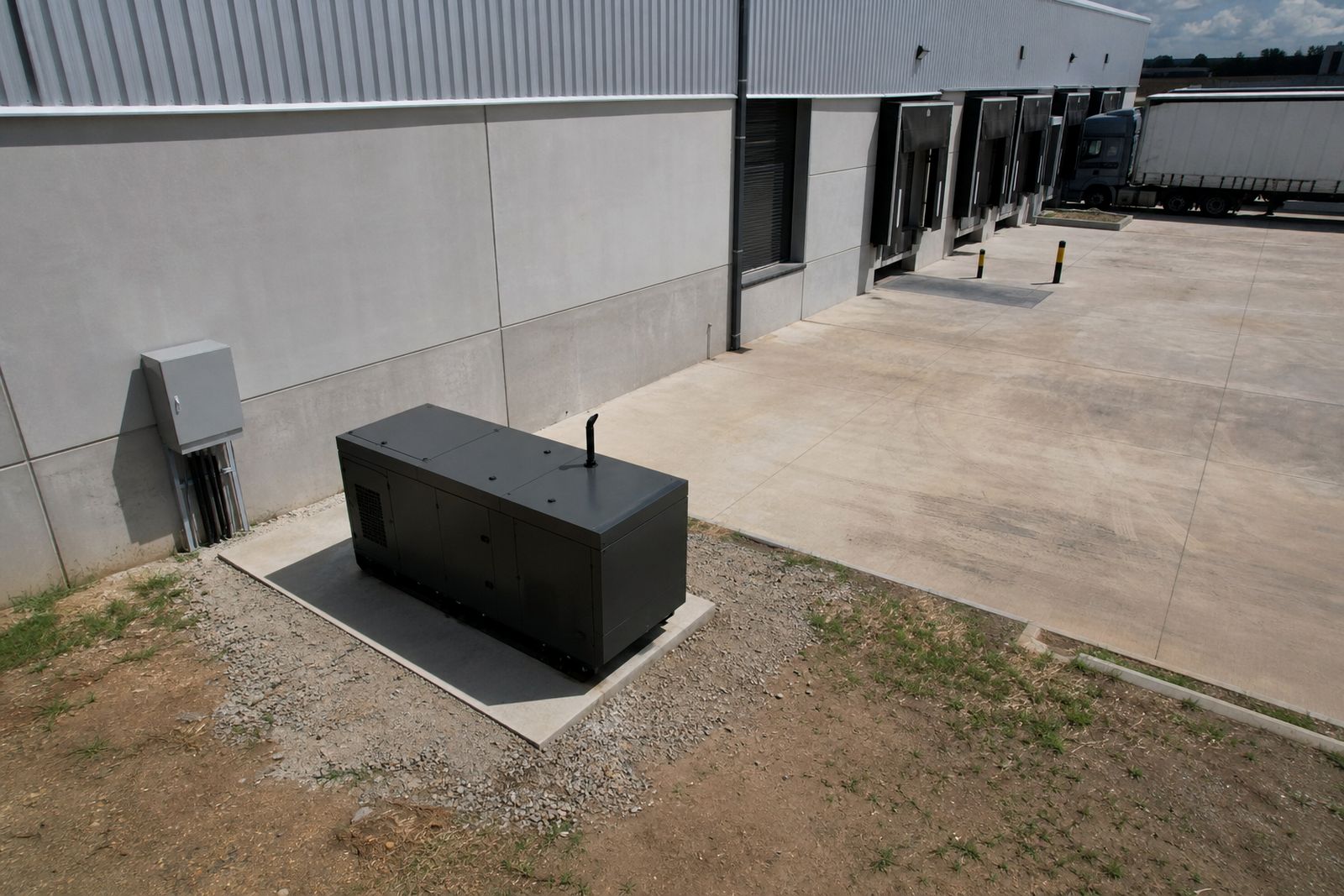
Dock doors, lights and scanners
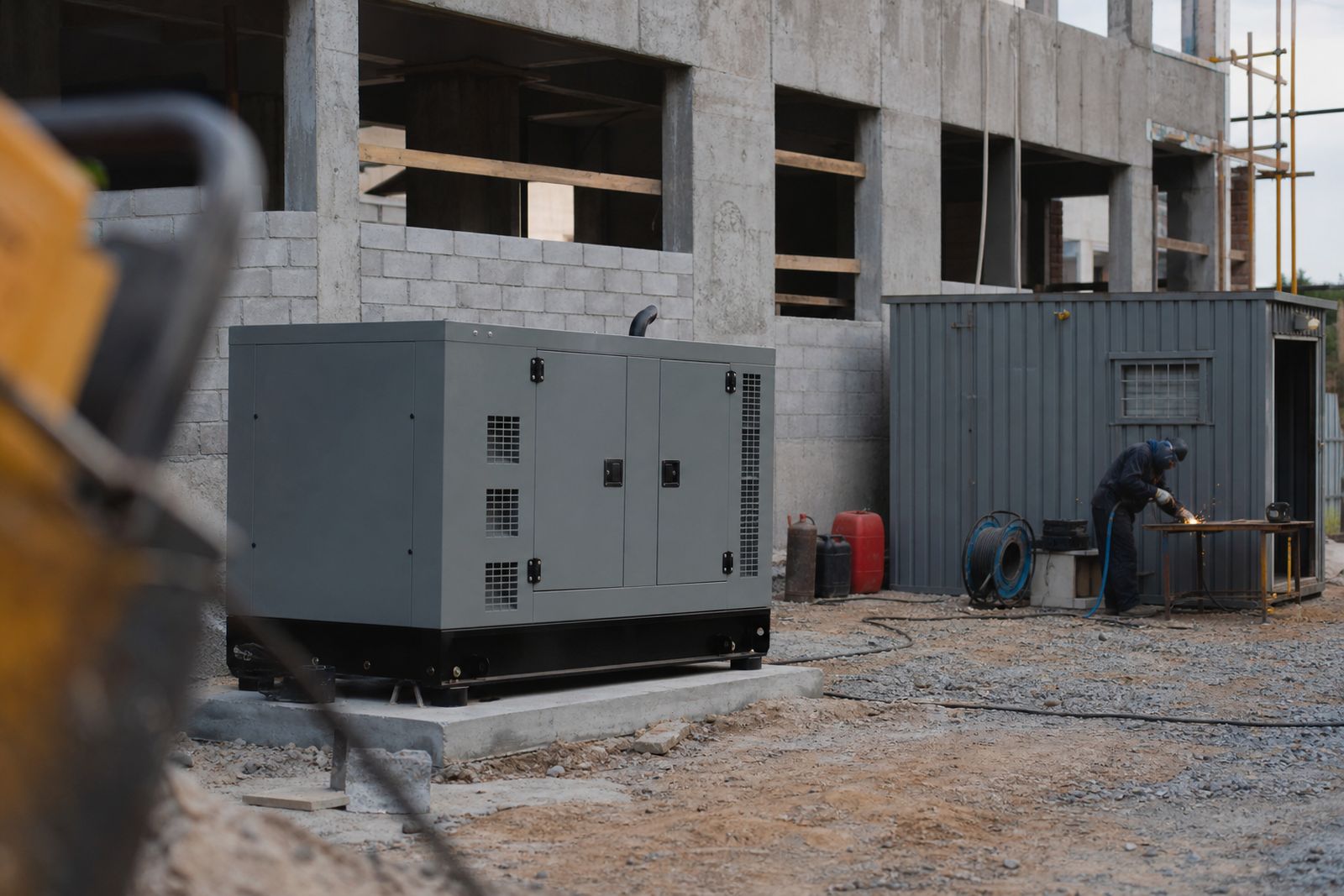
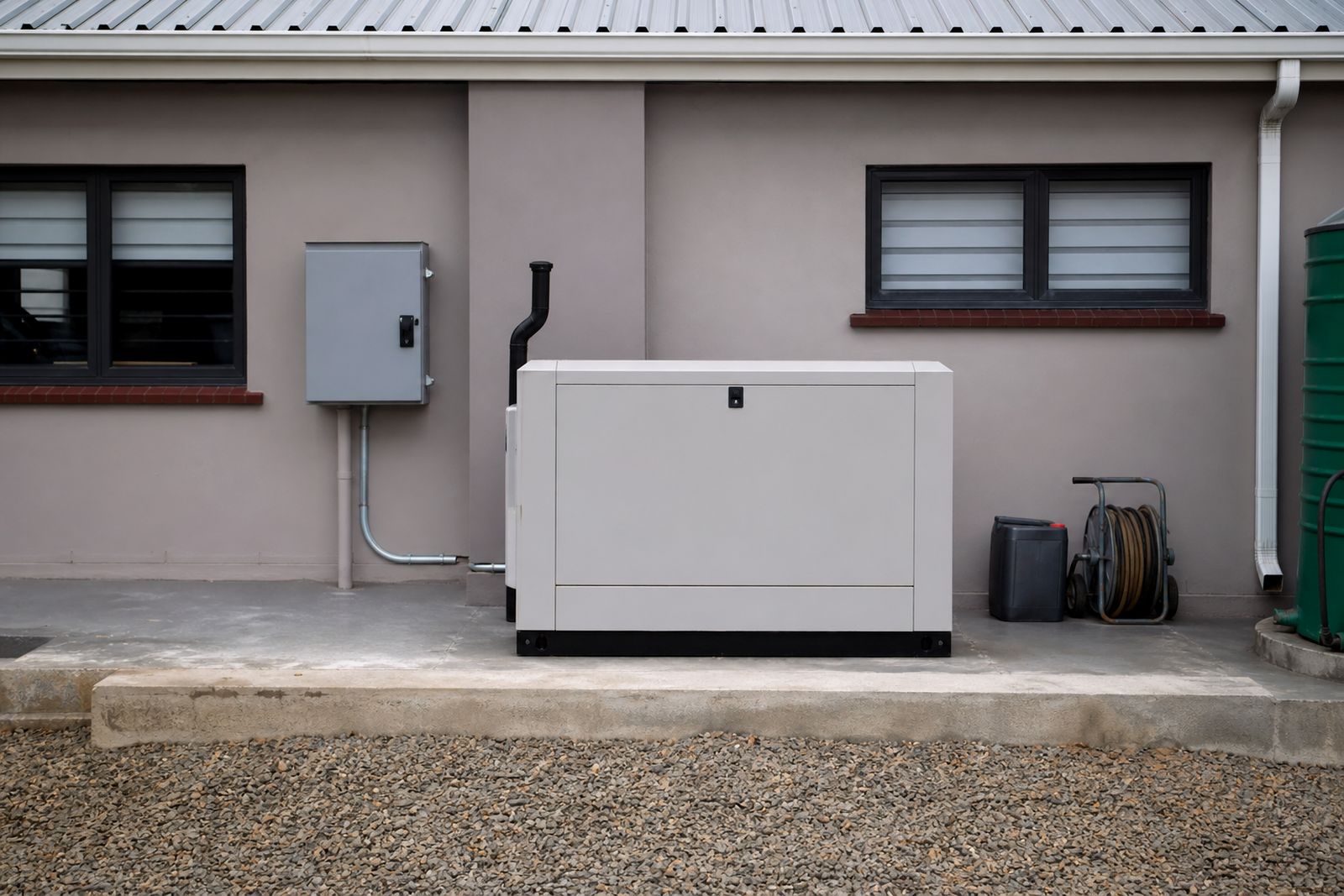
Warehouse operations during power cuts need a fixed order of power-up, not guesswork on the night shift. Industrial Bay 50 kVA usually carries bay lighting, handheld scanner chargers, office essentials and selected dock equipment while heavier workshop loads stay off the first step.
A warehouse behaves differently to a clinic, smallholding or retail unit because traffic moves with every outage. Dust from pallets, forklift movement and open roller doors can affect intake filters, while nearby units in an industrial park often notice exhaust direction and canopy noise long before anyone checks the cable route.
Stage patterns matter here because receiving, picking and dispatch do not all peak at the same hour. If your site mostly loses power during early truck arrivals, note that first, because scanner banks, label printers and dock motors can create a very different starting load to a quiet mid-afternoon outage.
Checks before bay changeover
- List scanner banks before welders and compressors
- Match a 50 kVA industrial bay to the noise and fuel use you can live with on site
- Test changeover with security and dispatch staff
- Pin the latest Runtime note at the DB
- Photograph hours, voltage and fuel after first start
Send the bay use, shift pattern, and whether scanners and dock motors must run together through our contact form for warehouse queries. Add links to Gensets and Panels when the site also needs ATS gear, a day tank, or load separation at the DB. Mention any failed backup unit and which circuit dropped first.
A rough sketch of the receiving bay, dispatch area and DB position helps more than a long explanation. If the site is in Germiston or another dense industrial node, mark where trucks queue and where staff walk during outages so canopy position does not clash with loading activity.
Common snags in dispatch yards
Trouble starts when a warehouse pack is sized around lights only, then dock levellers, battery chargers, and a compressor join the same step. Fuel planning also slips when weekend dispatch runs are ignored or the day tank is left off the handover sheet. Dust from pallet traffic clogs intake filters faster, and coastal humidity calls for stricter panel checks.
Placement also matters on warehouse sites because exhaust, refuelling access and delivery traffic all compete for the same yard space. At busy centres around Clearwater, Cresta, Pavilion and Tyger Valley, handover notes should state which entrance is usable after hours and which loads stay isolated during stock movement.
Municipal depots and warehouse ops fail when dock doors and scanners share one chaotic step with welders. Stage the load. Name the priority. Write it on the canopy card so night crews do not invent a new sequence.
Shift notes that prevent confusion
Keep one sheet at the panel with the site name, genset model, starter sequence, last refuel, running hours and the circuits that must stay off. Add the runtime reference you used and record whether the panel arrangement is ATS, manual changeover, or another setup tied to warehouse priorities.
If a fault occurred during Stage 4, write it down. Patterns matter more than single anecdotes. Browse related Projects for jobs that mirror this route.
Where a site has a warehouse, small workshop and admin block on one property, splitting the duty often reads better than forcing one backup plan across everything. Separate briefs make it easier to ringfence dock operations from fabrication or office loads when the outage pattern changes.
What our Backup Genset customers say
Verified Google reviews
Tell us about your backup power
Send a note through our contact form with the circuits you need to keep running, the kind of site, your fuel preference, how the changeover works today and your area, and we will come back with practical genset options and a quote.
Open the contact form