

Service hours log
Service intervals only work if hours are written down.
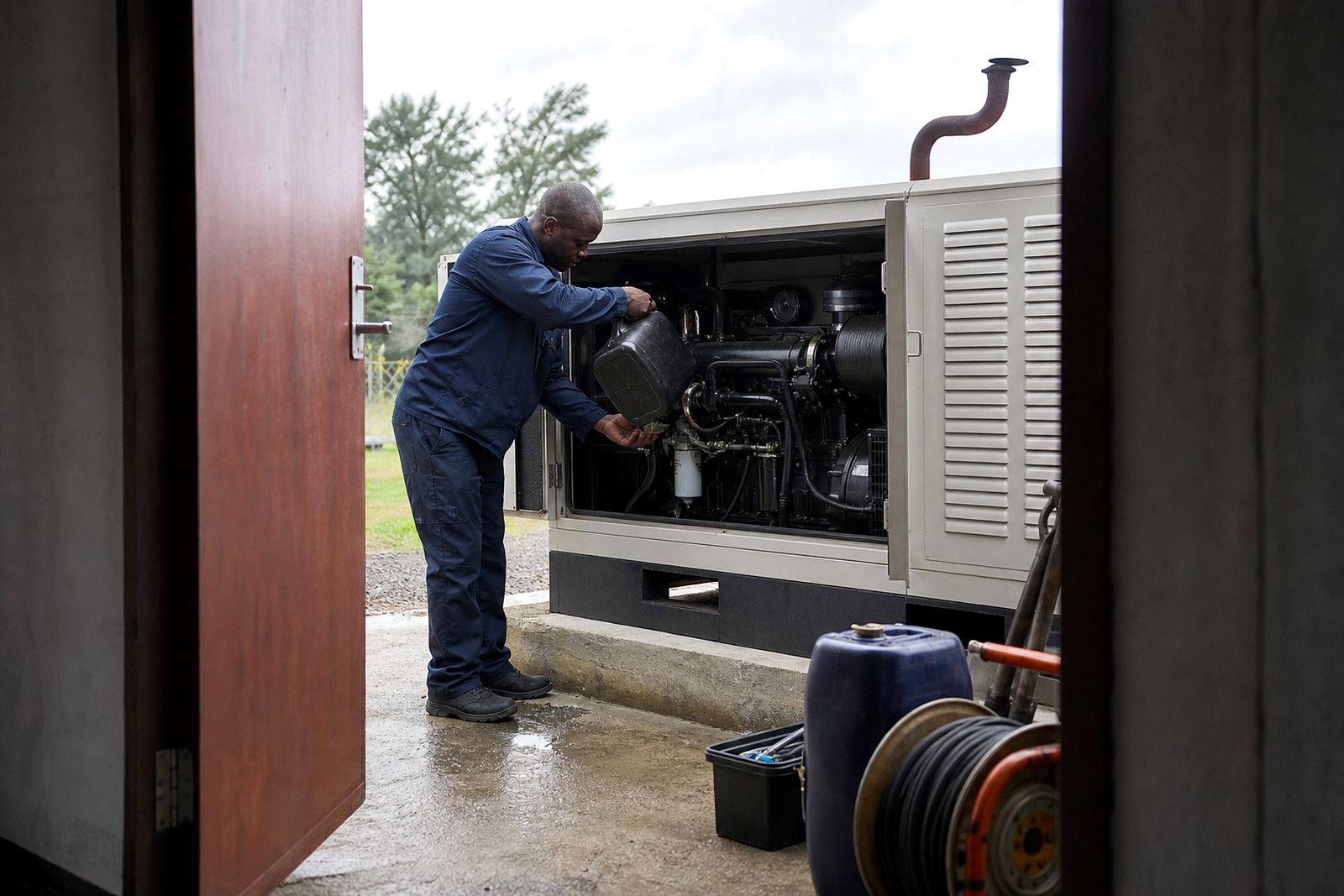
Canopy card entries that matter
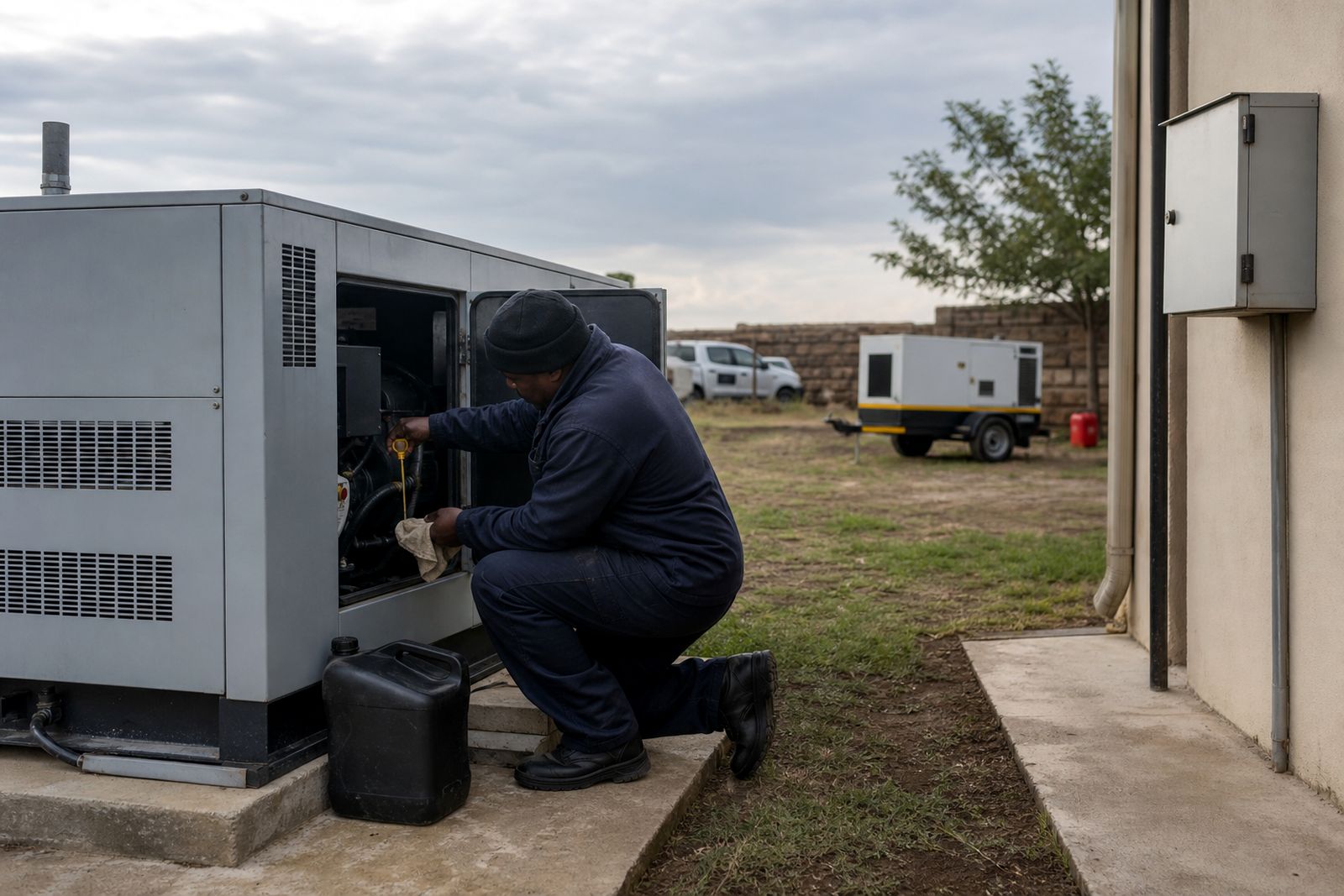
Put this note together for site staff who record every generator run, not just breakdowns. On a backup set, the canopy card is the quickest place to capture engine hours at shutdown and after test runs. Those entries give the next operator a clear service trail instead of a rough estimate.
Write the meter reading exactly as it appears, then add the date and initials in permanent ink. If the set tripped, ran under power cuts, or took an abnormal start, note that on the same card while the details are fresh. A short line on the canopy is often more useful than trying to reconstruct events later from memory.
The handbook may stay in the control room, but the canopy card stays with the machine in the yard, plant room, or service lane. Teams around Germiston often rely on that card first when checking whether a service interval has been passed.
A generator hour meter only helps if somebody copies the figure before the next shift starts the set again. Recording each run helps track oil changes, filter replacements, and valve checks against actual engine use rather than the calendar alone. It also shows whether power cuts, tenant demand, or repeated testing is pushing the machine harder than expected.
Use this note alongside a genset guide and a site guide when you organise site records for backup power. If the installation falls outside the usual estate, depot, or retail pattern, send the details through our contact form. Add the city, diesel or gas setup, and the latest hour reading from the meter.
South African conditions make accurate hour logging more important, not less. Salt air around Durban can shorten serviceable life on exposed components, while Highveld dust and dry August winds often increase filter attention inland. During winter outages, extra starting attempts also make battery and charging checks worth noting beside the hours figure.
Read and write before lock-up
- Copy the meter reading clearly
- Add date, time, and initials
- Note any trip, alarm, or reset
- Check the card stays dry
- Match card hours to service sticker
Around Germiston, Clearwater, and Cresta, the canopy card should stay with the set, not in a guard file or office drawer. Write the latest hours reading after each run, then note any low oil pressure warning, hard start, or abnormal smoke beside it. A clear cellphone photo of the card helps when handwriting is hard to read.
If you keep consumables on site, compare the logged hours with the service kit waiting in stores before the next interval arrives. A spare air filter, fuel filter, and correct oil grade are easier to plan when the card shows how quickly the machine is accumulating time. Keep the kit near Panels only if the storage point stays dry, clean, and easy to access.
Shift handover around the hour meter
Log service history on the generator itself so hours and maintenance stay visible at the machine. A handwritten card may seem basic, but it gives electricians, caretakers, and facilities teams one shared reference at the machine. See Runtime for other operating notes that support backup power on working sites.
When crews change over, show the next person where the canopy card sits and where the current meter reading was entered. Mark fuel additions, lock-outs, and any switch position left out of the ordinary so the next run starts with the same information. Trailer units should have the card checked after moves as vibration and weather can loosen holders or damage paper records.
What our Backup Genset customers say
Verified Google reviews
Tell us about your backup power
Send a note through our contact form with the circuits you need to keep running, the kind of site, your fuel preference, how the changeover works today and your area, and we will come back with practical genset options and a quote.
Open the contact form